
Microsoft Access is a part of Microsoft Office Suite. It is a unique tool developed by Microsoft that provides both functionality and programming capabilities.
The Microsoft Access database is made up of seven major components
- Tables
- Relationships
- Queries
- Forms
- Reports
- Macros
- Modules
Follow the below given steps to secure your database contents
Step 1- Open Microsoft Access 2016.
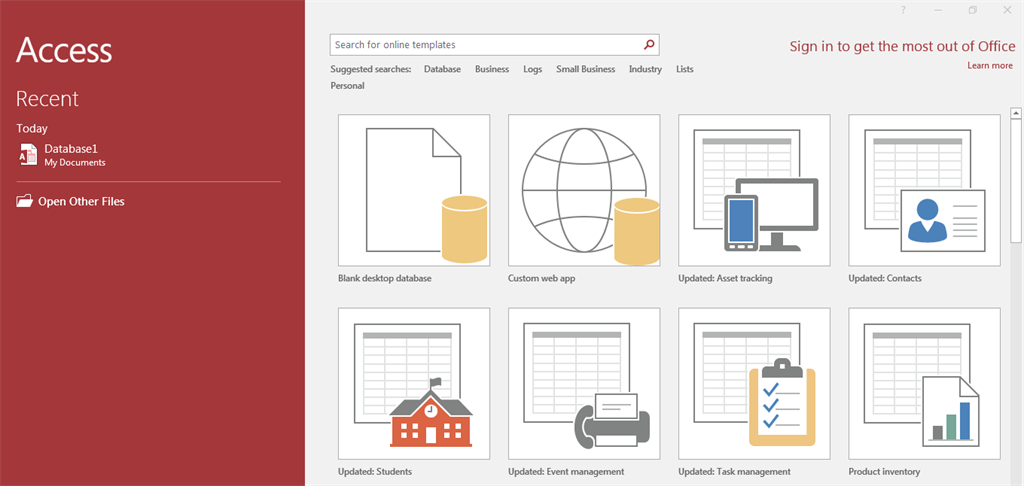
Step 2- Open your database.
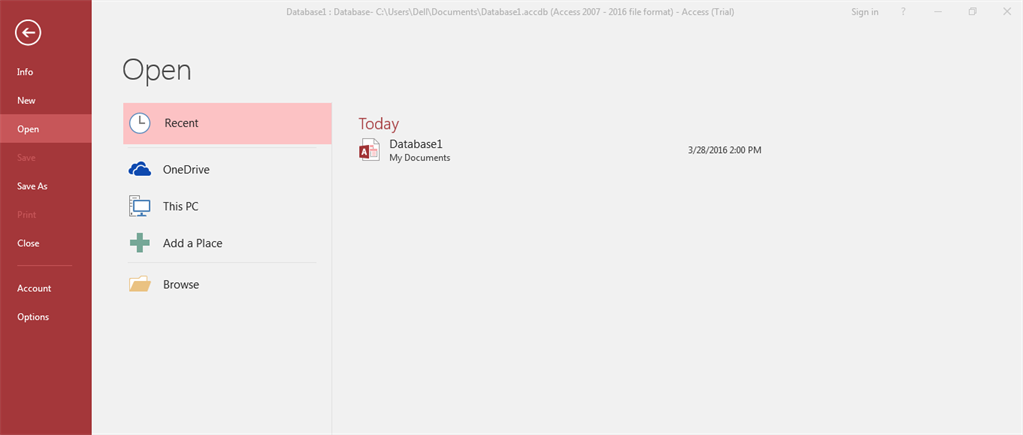
Step 3- When the database opens, go to the file tab and click to the Info button.
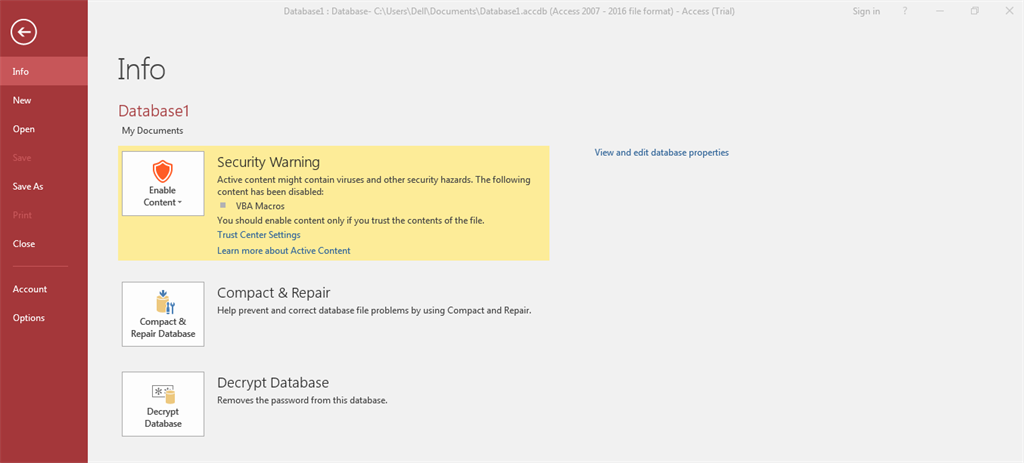
Step 4- Click the Encrypt with password button.
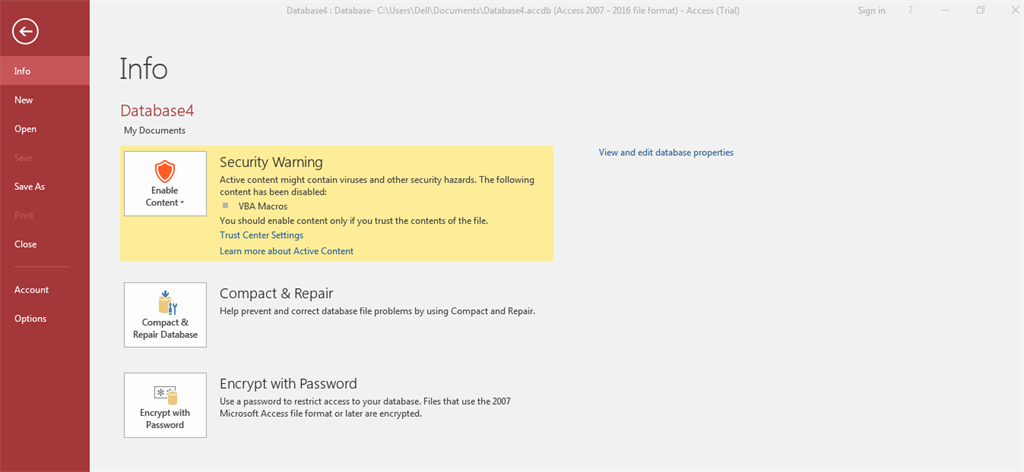
Step 5- Choose a strong password for your database and enter it in both the password and verify boxes in the set Database password dialog box.
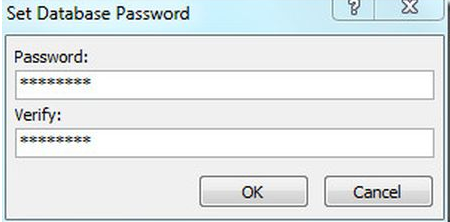
Password is set.
Get the weekly commit
New database deep dives every week.
