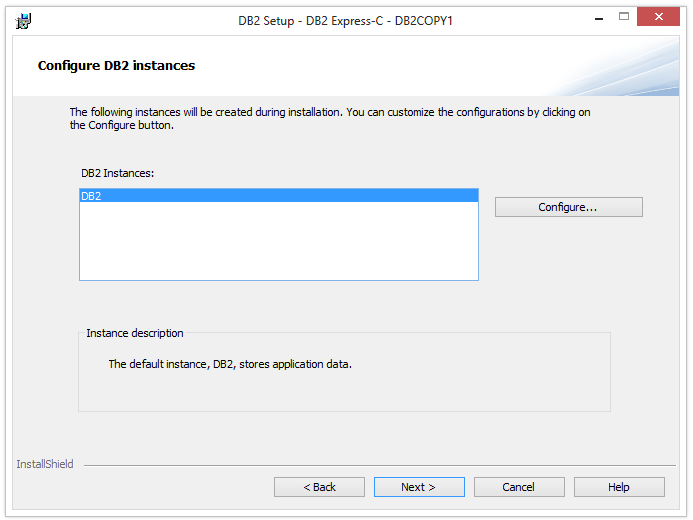
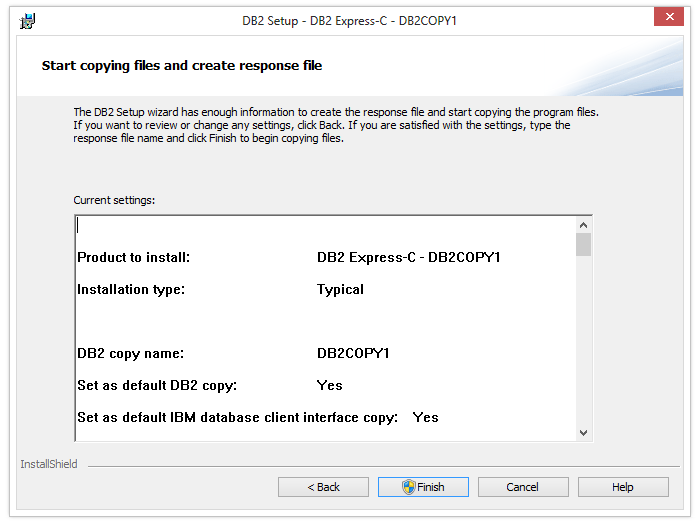
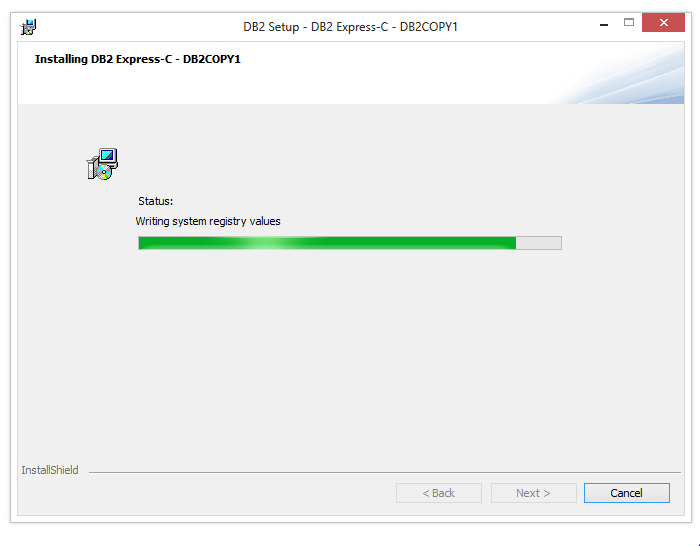
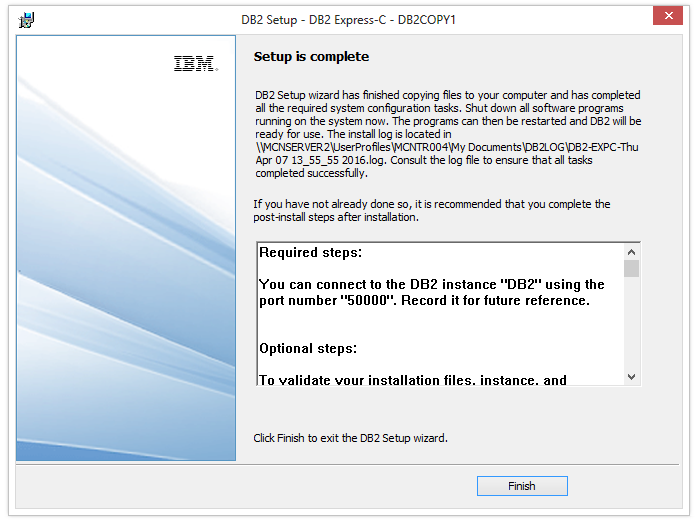
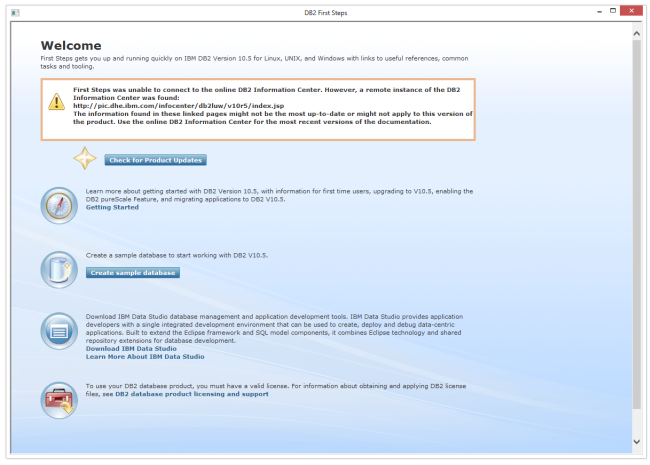
DB2 Express-C is straightforward to install by following the instructions in the DB2 installation wizard. In most cases, the default settings are sufficient, so all you need to do is accept the license, click the Next button until the "Finish" button is active and then click the Finish button. After a few minutes, your installation is complete and DB2 will be up and running. DB2 Express is available on both Windows & Linux operating systems .
Steps to install DB2
Step 1 - Download DB2 Expess C from here.
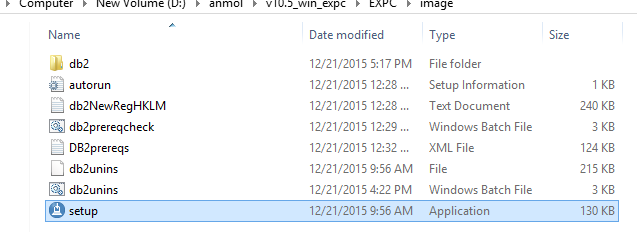
Step 2 - Double click on the Setup file.
Step 3 - Click on Install a Product & then on Install New.
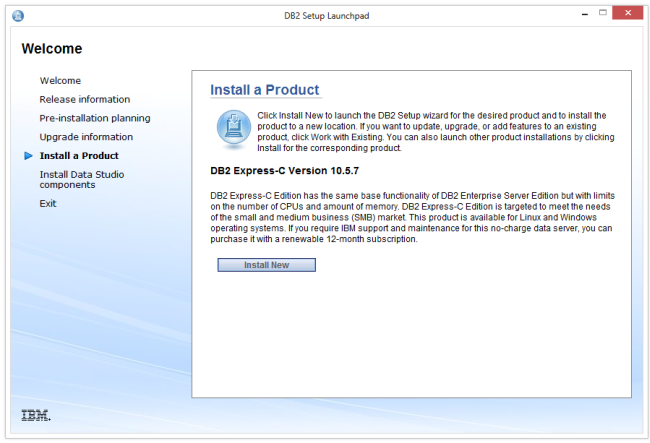
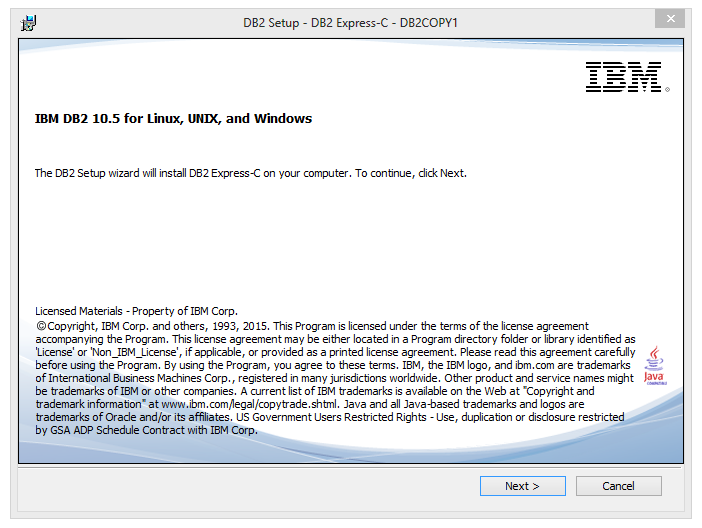
Click on Next.
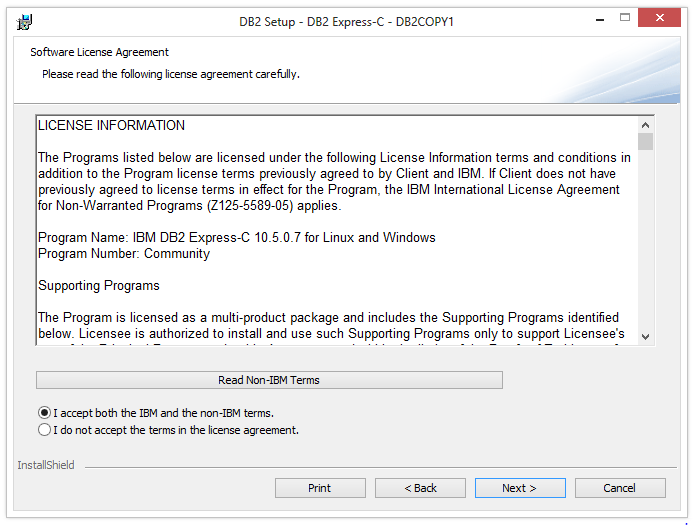
Step 4 – Accept the License & then click on Next.
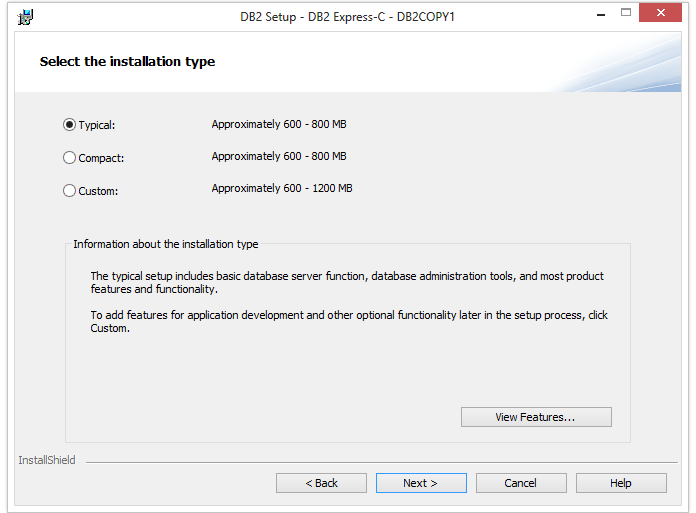
Step 5 – Select the Installation Type.
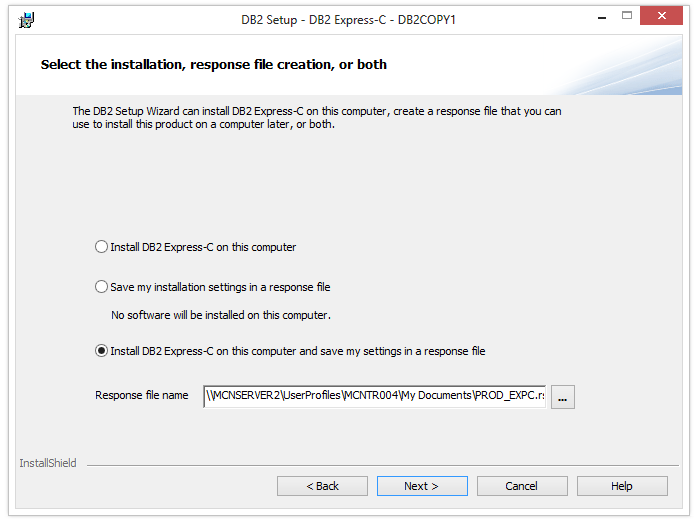
Step 6 – Select the installation, response file creation or both.
Step 7 - Select the installation folder.
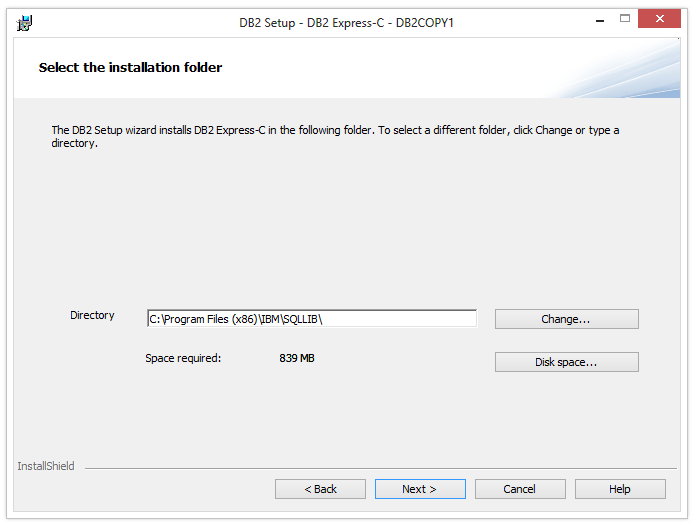
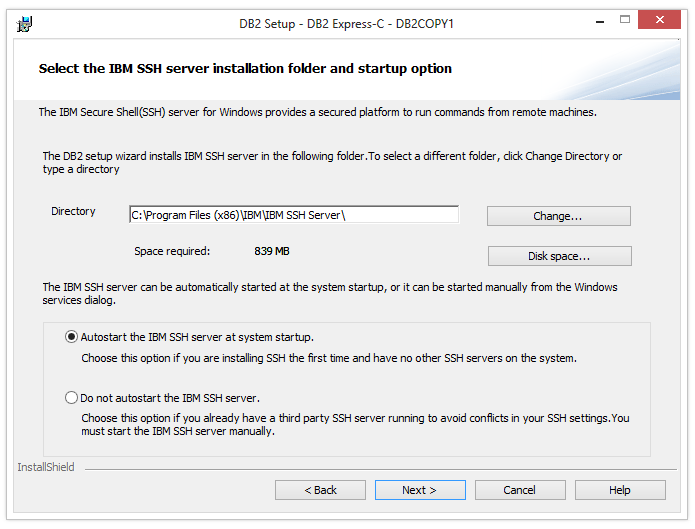
Step 8 – Select the startup option.
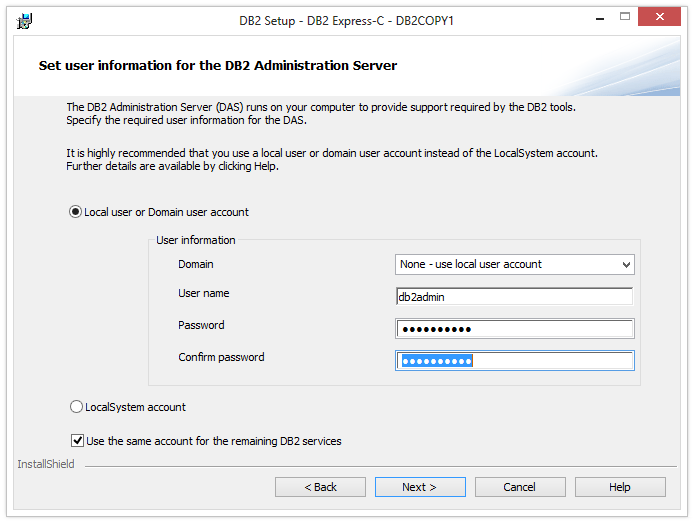
Step 9 – set user information for the DB2 Administration Server.