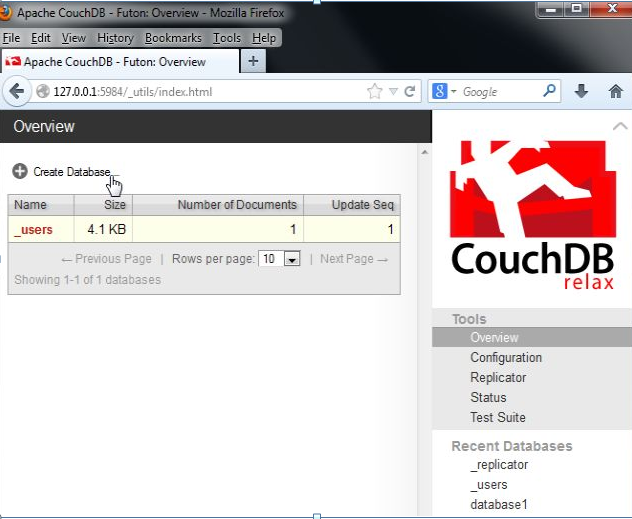
Couchdb is a document oriented database system, which stores data in JSON format. CouchDB is developed by the Apache organization, so if you want to install Couchdb in your Windows system, then follow the below steps.
First you need to download couch db from thegiven link for Windows operating systems.
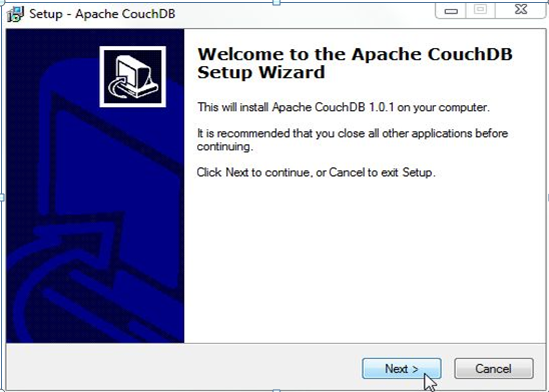
Step 1- After downloading, run setup file. Click on Next tab
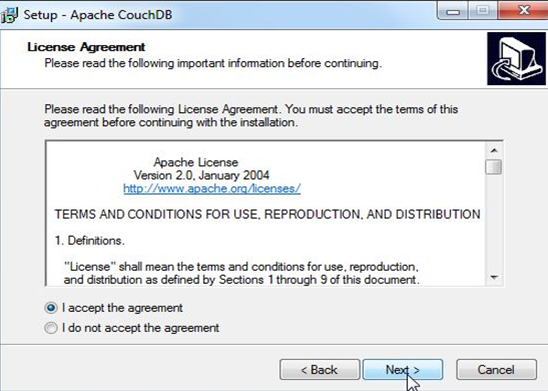
Step 2 - Accept agreement and then click Next
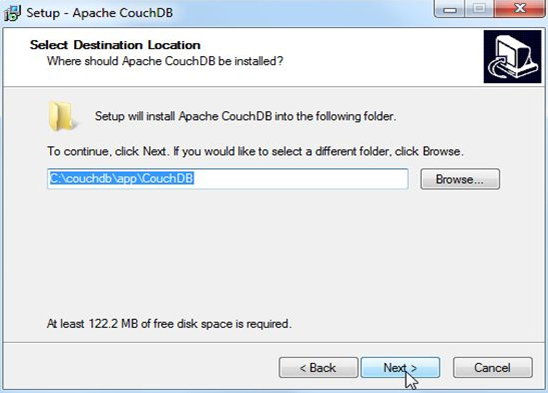
Step 3- Select path where you want to install Couchdb and then click Next
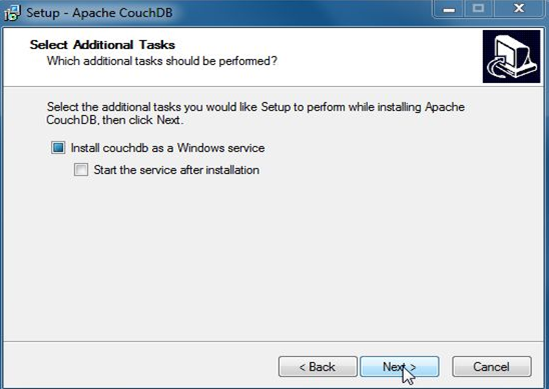
Step 4 - Select additional tasks and then click Next
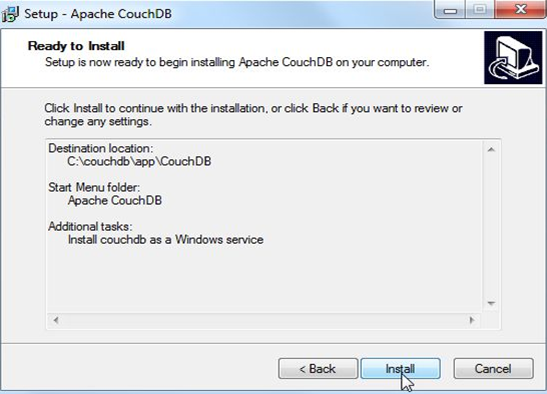
Step 5 - Click on Install
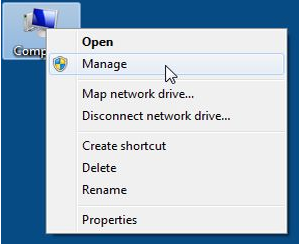
Step 6 - After install go to Computer right click on it and select Manage.
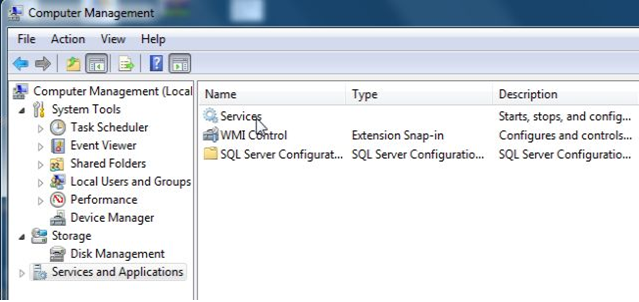
Step 7 - Click Services and Applications.

Step 8 - Click on Services.
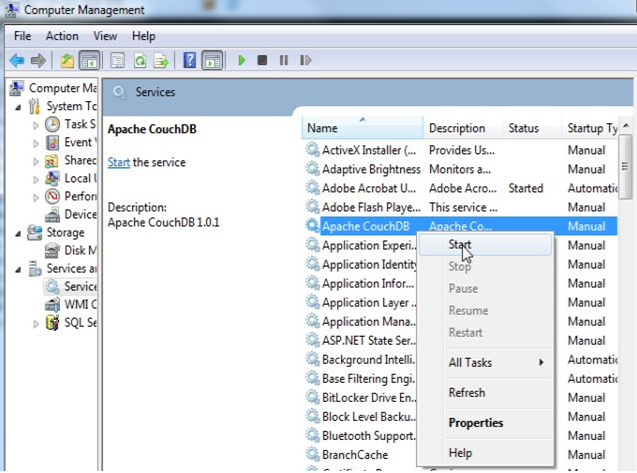
Step 9 - Right click on Apache CouchDB and then click on Start.
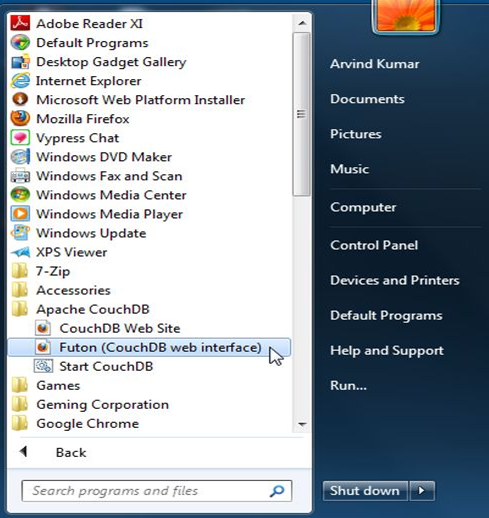
Step 10 - After selecting start go to start menu and select , click on and then click on (Couch DB web interface). See given below figure.