Introduction
Cassandra is an open source database which is used by famous websites such as Facebook, E-Bay etc.
Before you start installing Cassandra, here are some prerequisites that you need.
- Windows 7 or Windows 2008 server
- Java
- Either the Firefox or Chrome web browser for DataStax OpsCenter (which does'nt support Internet Explorer yet). There is a dependency on the Visual C++ 2008 runtime (32bit), but windows 7 and windows 2008 Server R2 to be already installed. If you need it, then refer the link.
Step 1 - Go to the official website to download Cassandra. When you visit it, you will see that the Cassandra releases will not be available for Windows, so go to the third party distributions there you will find-
DataStax Distribution of Apache Cassandra which is available in Linux rpm, deb, and tar packages, a windows MSI installer and a Mac OS X binary.

Step 2 - Once you download the file, the file you will get is a '.msi' file.
Step 3 - Run the file and the setup will start.
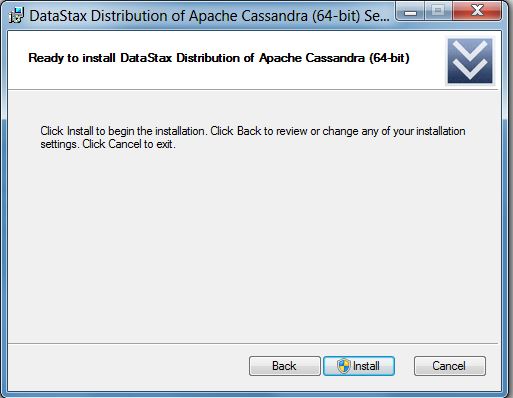
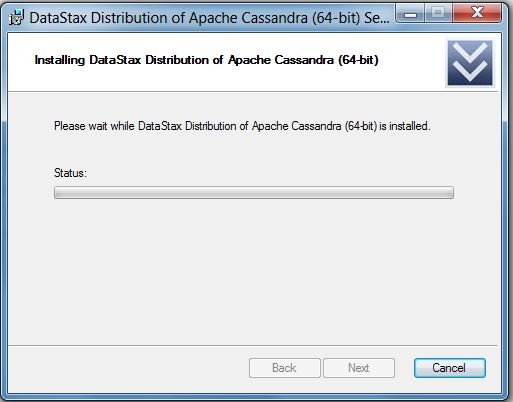
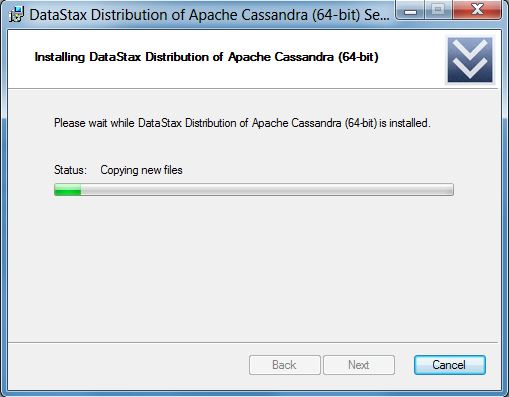
Step 4 - Like typical windows installation it will start to install and will ask permissions whenever needed.
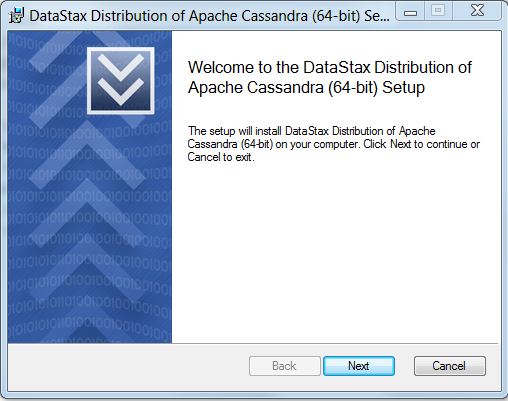
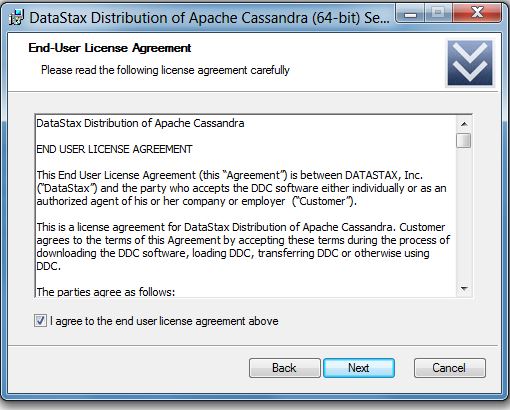
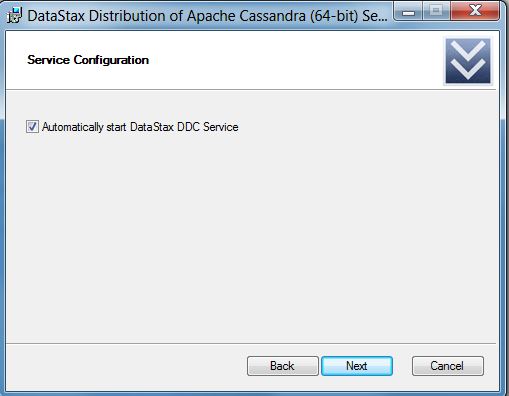
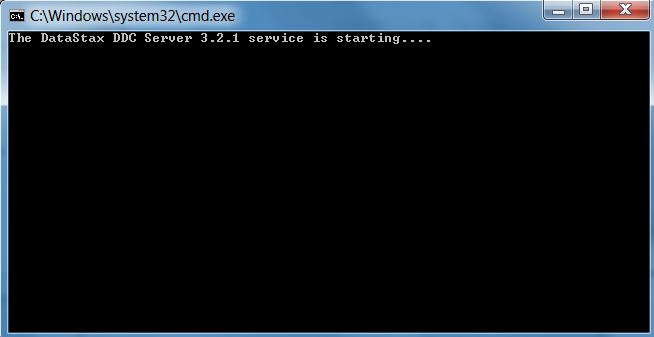
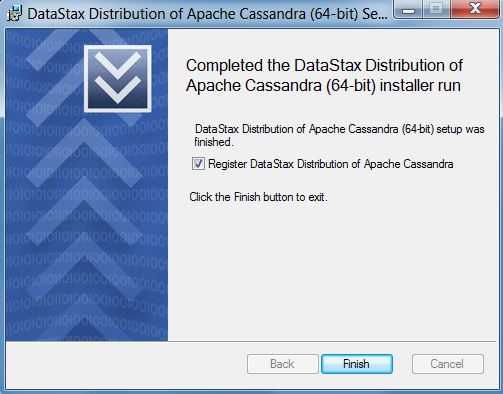
Step 5 - Make sure to mark, Automatically start DataStax DDC service otherwise you would have to start it manually.